





For curious people and working engineers

The Mixed Reality Engineer

Understand the engineering behind games, XR, and mixed reality. Explore the fundamentals, build intuition, or refresh what you know.

Foundation · 4 lessons

Explore an Interactive World

Foundation · 3 lessons

Position, Direction & Distance

Foundation · 11 lessons

Orientation & Coordinate Frames

Foundation · 5 lessons

Motion & Time

Foundation · 5 lessons

Cameras & Picking

Interactive 3D can look like a wall of engines, headsets, acronyms, and platform-specific advice. Underneath it sits a shared set of ideas: space, motion, rendering, input, perception, and performance.

This library makes those foundations visible first. It is for anyone who wants to understand how spatial experiences work, and for engineers who need a clear route back into a subject they already use.

Explore

See how 3D systems, perception, and interaction fit together.

Build

Turn ideas into small browser exercises before adding a headset or engine.

Refresh

Return to the concepts you use at work without retaking an entire course.

Go deeper

Choose a focused route for games, XR interaction, mixed reality, or shipping.

Curriculum

Learn the space behind the screen

A planned syllabus that starts with shared foundations, then branches into practical and specialist subjects as your curiosity or work takes you further.

Join for progress updates →

Shared foundations

The browser-first ideas and spatial intuition every route builds on.

Foundation · 4 lessons

Explore an Interactive World

In progress

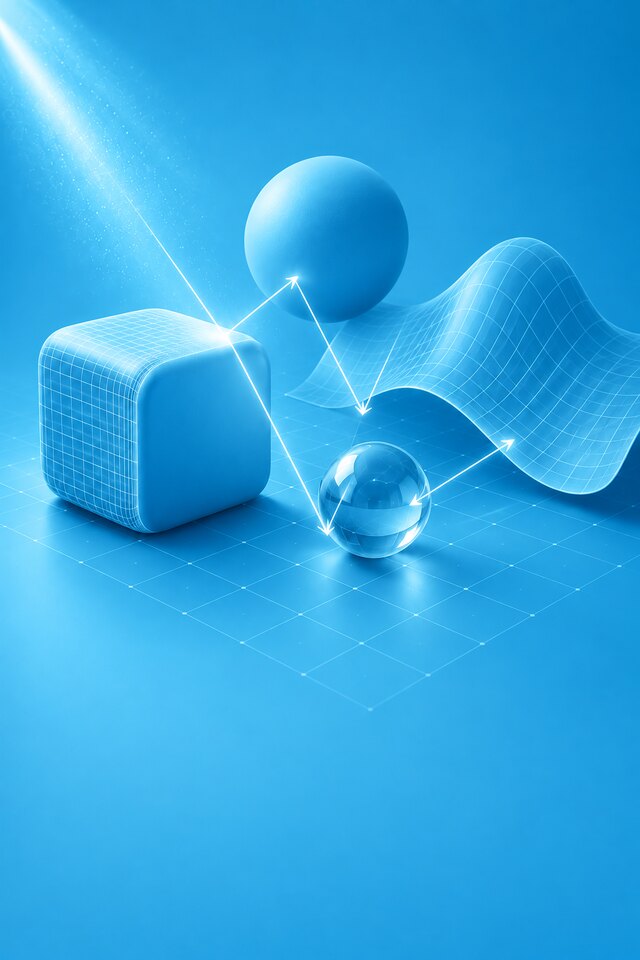
Begin in your browser. Change a scene and connect input, state, and rendering.

Foundation · 3 lessons

Position, Direction & Distance

In progress

Make objects move toward targets and measure the space between them.

Foundation · 11 lessons

Orientation & Coordinate Frames

Planned

Aim, rotate, and attach objects without losing track of their frame of reference.

Foundation · 5 lessons

Motion & Time

Planned

Reason about speed, frame time, interpolation, and stable motion.

Foundation · 5 lessons

Cameras & Picking

Planned

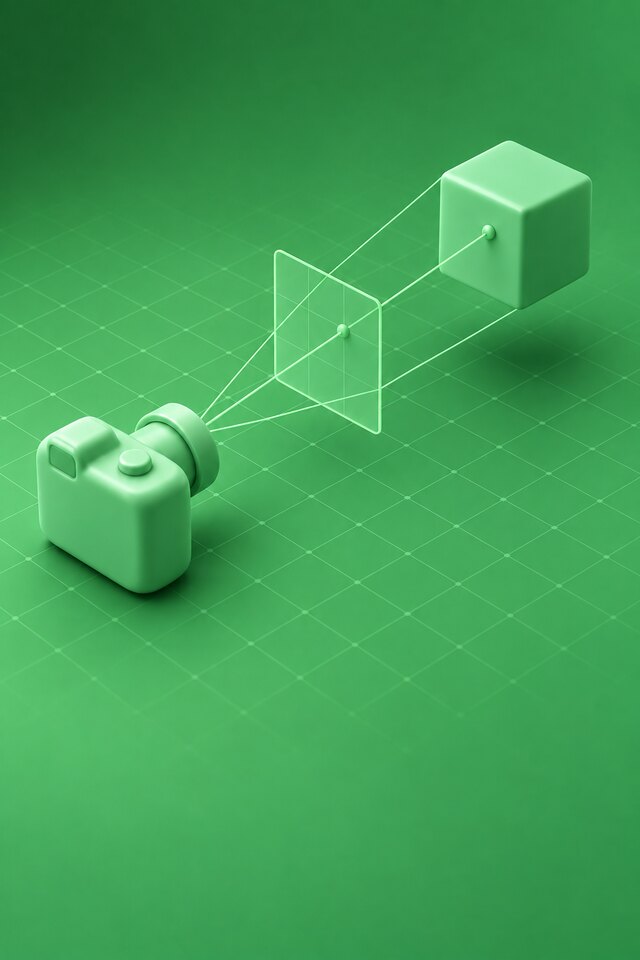
Turn a 3D world into an image, then trace a selection back into the scene.

Foundation · 4 lessons

Physics & Constraints

Planned

Use forces, collisions, and constraints, and diagnose an unstable simulation.

Foundation · 10 lessons

Rendering & Assets

Planned

Understand the journey from mesh data and materials to the image on screen.

Foundation · 7 lessons

Input, State & Feedback

Planned

Connect controls to predictable behavior, readable animation, and useful feedback.

Foundation · 7 lessons

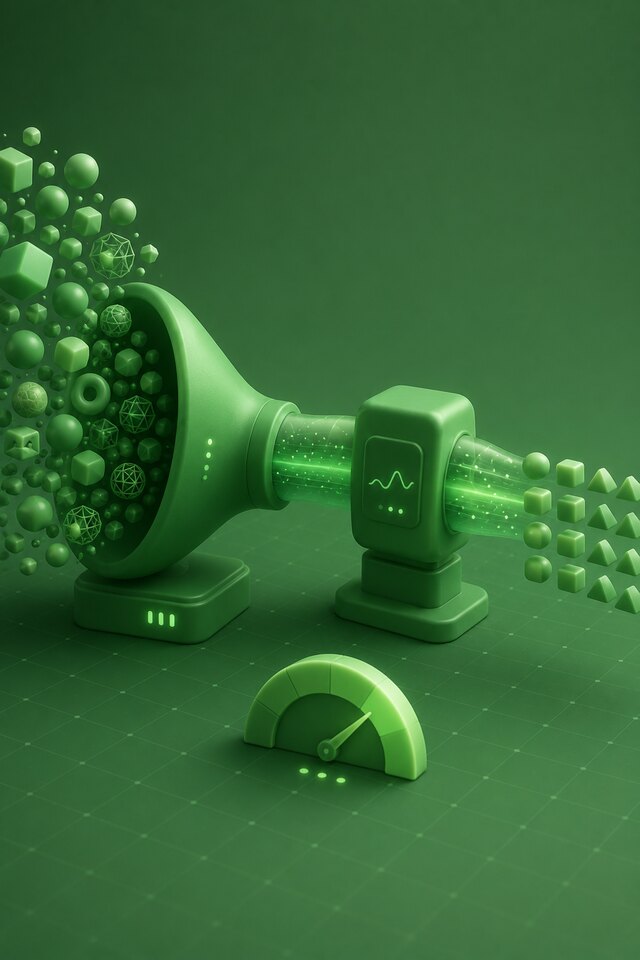
Performance & Debugging

Planned

Measure frame time, inspect the work, and prove an improvement.

Put it into practice

Apply the foundations to games, XR, and mixed reality.

Applied · 5 lessons

Game Development Engineering

Planned

Apply the foundations to character movement, game feel, and a small playable system.

Applied · 12 lessons

XR Devices & Reference Spaces

Planned

Choose a reference stack, deploy a scene, and understand headset coordinate frames.

Applied · 15 lessons

Perception, Comfort & Accessibility

Planned

Design around human vision, movement, reach, and individual differences.

Applied · 22 lessons

XR Interaction & Spatial UI

Planned

Build near and far interaction with comfort, alternative input, and clear spatial feedback.

Applied · 15 lessons

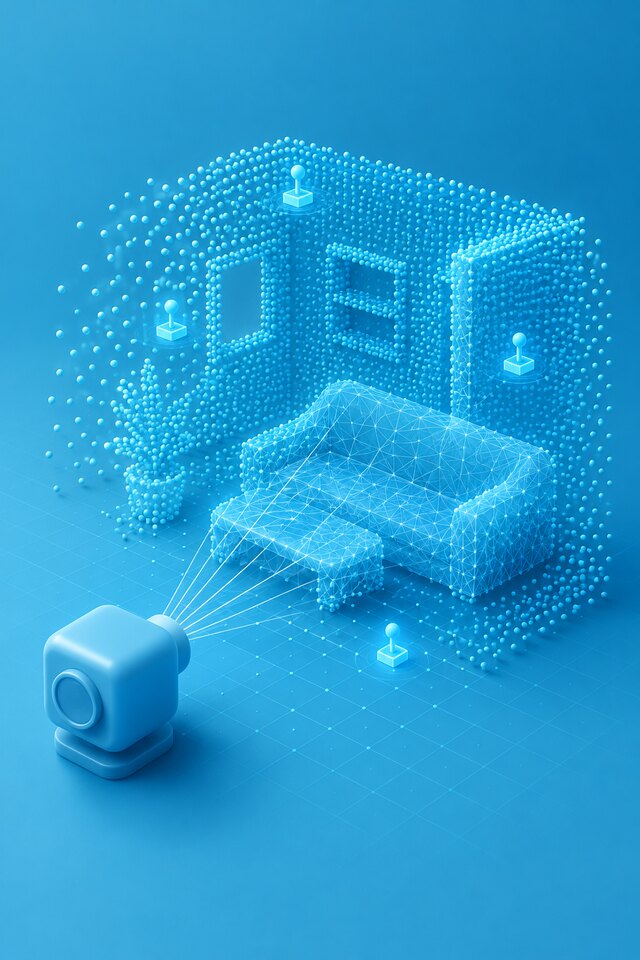
Room-aware Mixed Reality

Planned

Place persistent content in a room and handle sensing, permission, and tracking failures.

Applied · 15 lessons

Architecture, Testing & Shipping

Planned

Turn a prototype into a tested build with clear operational evidence.

Specialist depth

Return for focused topics when a project calls for them.

Specialist · 4 lessons

Further Spatial Mathematics

Planned

Go deeper into surfaces, curves, procedural variation, and numerical reasoning.

Specialist · 20 lessons

Advanced Rendering & Pipelines

Planned

Study stereo, capture, streaming, and asset delivery after the rendering foundations.

Specialist · 6 lessons

Spatial Experience Design

Planned

Shape environments, attention, and levels of immersion.

Specialist · 4 lessons

Spatial Audio

Planned

Reason about localization, acoustic environments, and a comfortable mix.

Specialist · 10 lessons

Computer Vision & Sensing

Planned

Understand tracking confidence, sensors, and the responsibilities of reading human data.

Specialist · 7 lessons

AI in Spatial Applications

Planned

Evaluate inference, generated assets, and agents with explicit quality and latency constraints.

Specialist · 8 lessons

Networking & Shared Experiences

Planned

Synchronize state, align shared spaces, and create remote presence.

Specialist · 10 lessons

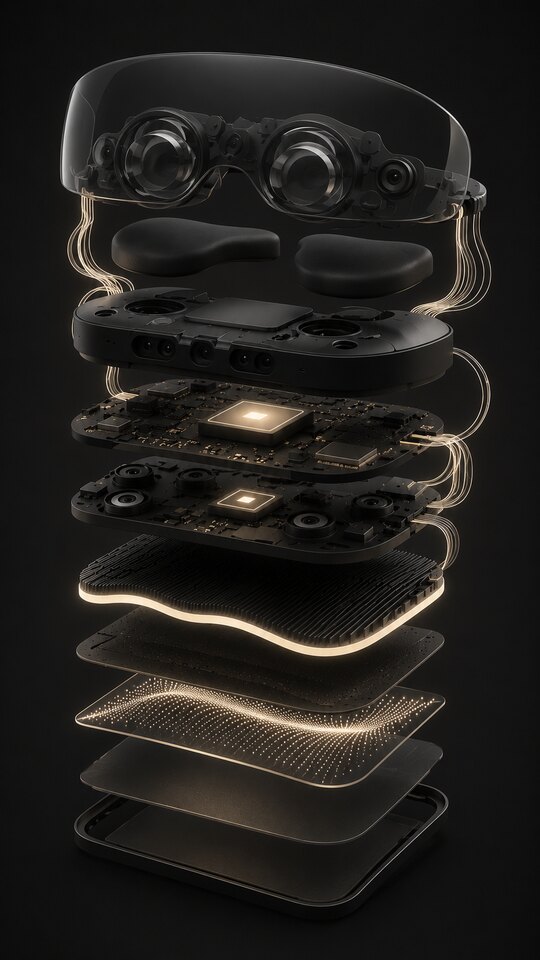
Hardware & Runtime Systems

Planned

Explore optics, sensors, processors, and sustained device performance.

Specialist · 5 lessons

Glasses & Wearables

Planned

Explore display constraints, input, and architectures for wearable computing.

Learning paths

One foundation. Your direction.

Each route shares the same fundamentals, then applies them to a different kind of work. The foundations are designed to begin in a browser, without a headset.

Recommended starting point

Understand interactive 3D

The shared starting point, with browser exploration and optional implementation.

For

Curious newcomers and engineers revisiting the basics

Equipment

Browser; no headset needed

You will work towards

  • Explain position, orientation, and motion
  • Trace a selection from screen to world
  • Connect input to state and feedback
  • Measure a frame and find a bottleneck

Project: An interactive scene with movement, selection, collision, feedback, and a measured frame budget.

Optional specialisations

  • Build a game interaction

    Apply the shared foundations to a small playable system.

    Developers ready to implement an interaction

  • Build an XR experience

    Take a working interaction into a headset with comfort and accessibility built in.

    Developers entering XR

  • Build a room-aware tool

    Extend XR interaction with mapping, anchors, persistence, and recovery.

    Developers building experiences in real rooms

  • Test and ship a prototype

    Review the supporting concepts, then collect the evidence needed to release.

    Engineers with an existing prototype

Author

Built from practice

I’m Sanket, an engineer who builds spatial experiences. I made this library to connect the fundamentals that are often scattered across graphics books, engine documentation, device guidance, and lessons learned while shipping real work.

The goal is durable understanding across Unity, Unreal, WebXR, visionOS, Android XR: a useful place to begin when you are curious, and a precise place to return when you already work in the field.

Waitlist

Join the waitlist

Leave your email for occasional progress updates as the curriculum, lessons, and interactive exercises take shape.

Questions

Answers

Who is this for?+

Curious newcomers can use the visual, browser-first foundations to understand interactive 3D. Working game, XR, and MR engineers can use the same library as a refresher or follow a specialist path.

Do I need a headset or game engine?+

Not for the planned starting material. The foundations are designed around browser-based exploration before later projects introduce specific tools or equipment.

Which tools and platforms does it cover?+

The foundations are designed to transfer between tools. Unity + OpenXR is the main implementation reference, with translation guidance for Unreal, WebXR, visionOS and Android XR where that guidance is available.

Can I access the library now?+

The library is currently private while the course is being developed. Join the waitlist for progress updates; existing authorised users can log in from the navigation.

Do I have to follow a path?+

No. Paths are suggested sequences. The Foundations path is the clearest starting point, while the other routes show how the same ideas apply to games, XR interaction, mixed reality, and shipping.